 Pixmint
AI Image Generator
Turn a prompt or a reference photo into an image with Nano Banana, GPT Image and Seedream. Pick the model, press Generate, compare the results. Free to try, no sign-up.
- Free to try
- No sign-up needed
- 7 image models
- Nano Banana · GPT Image · Seedream
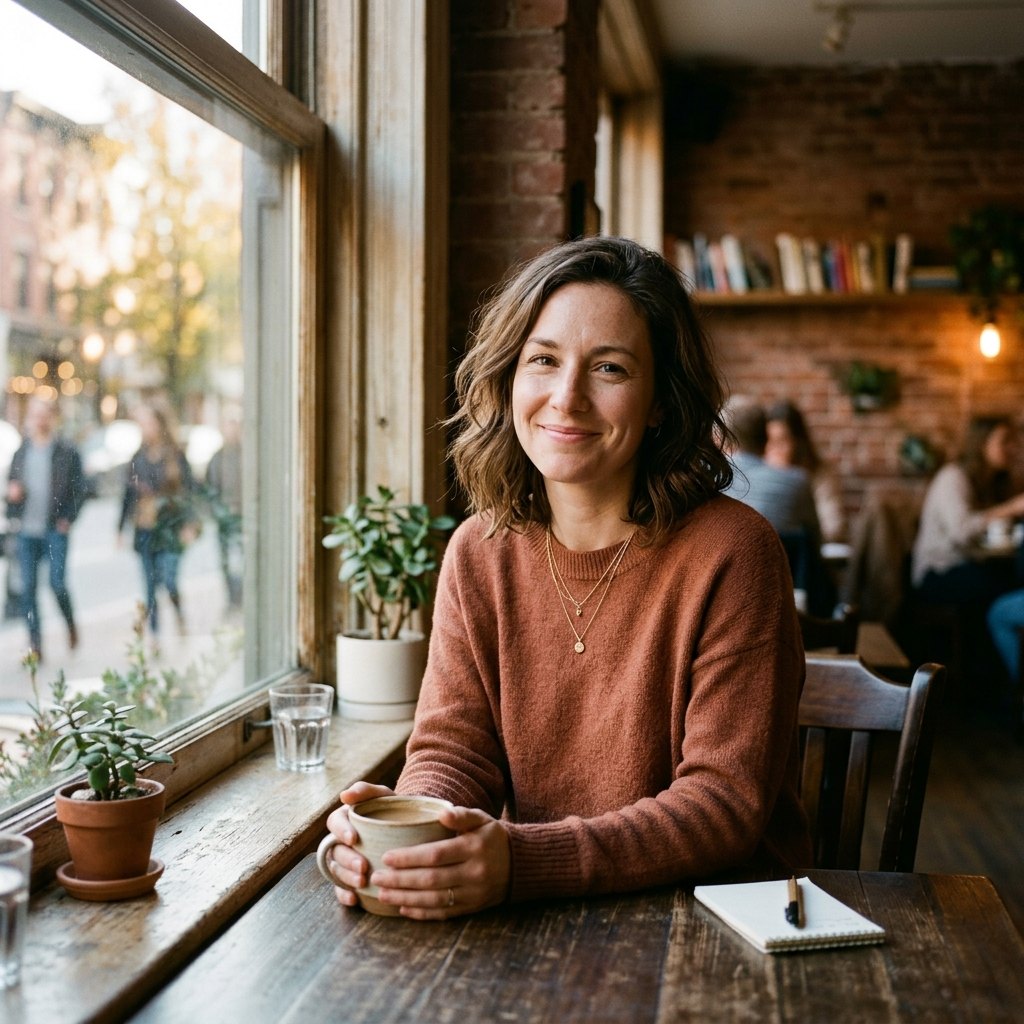
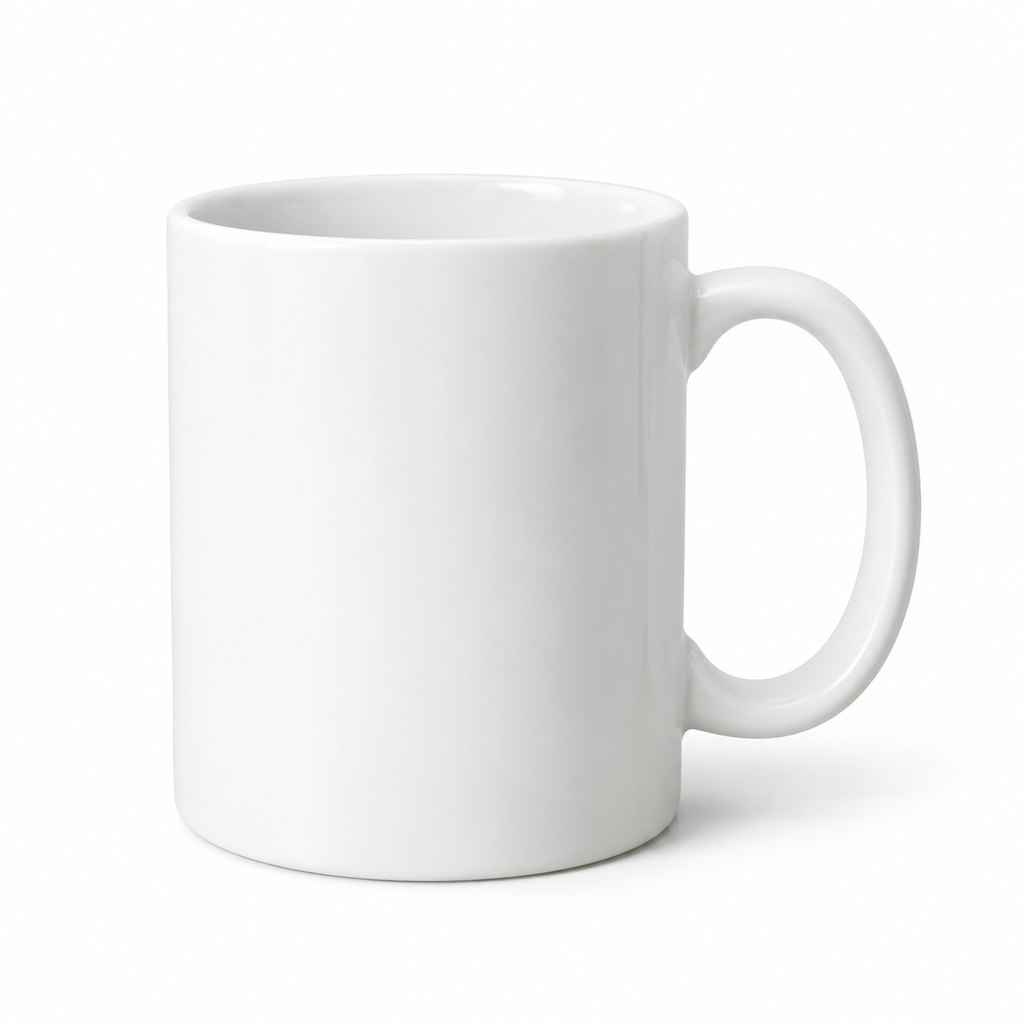
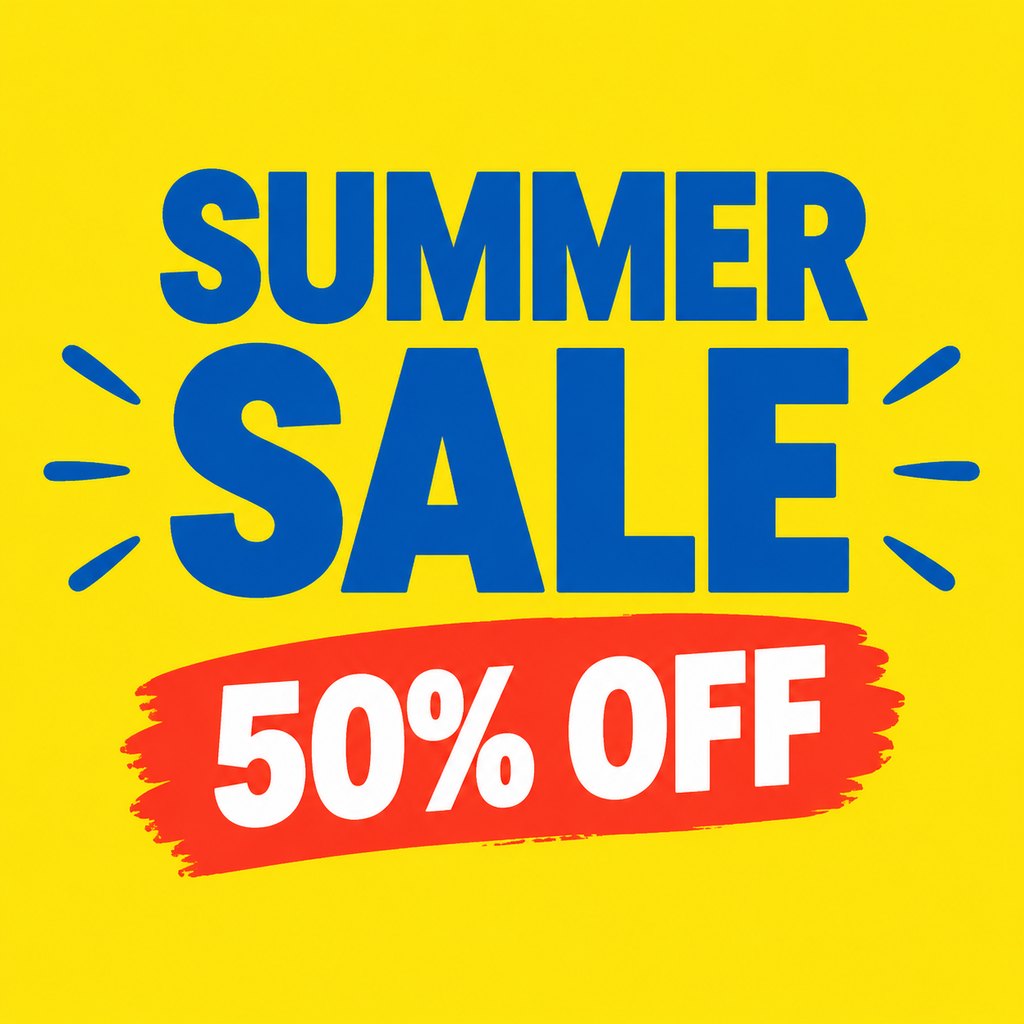
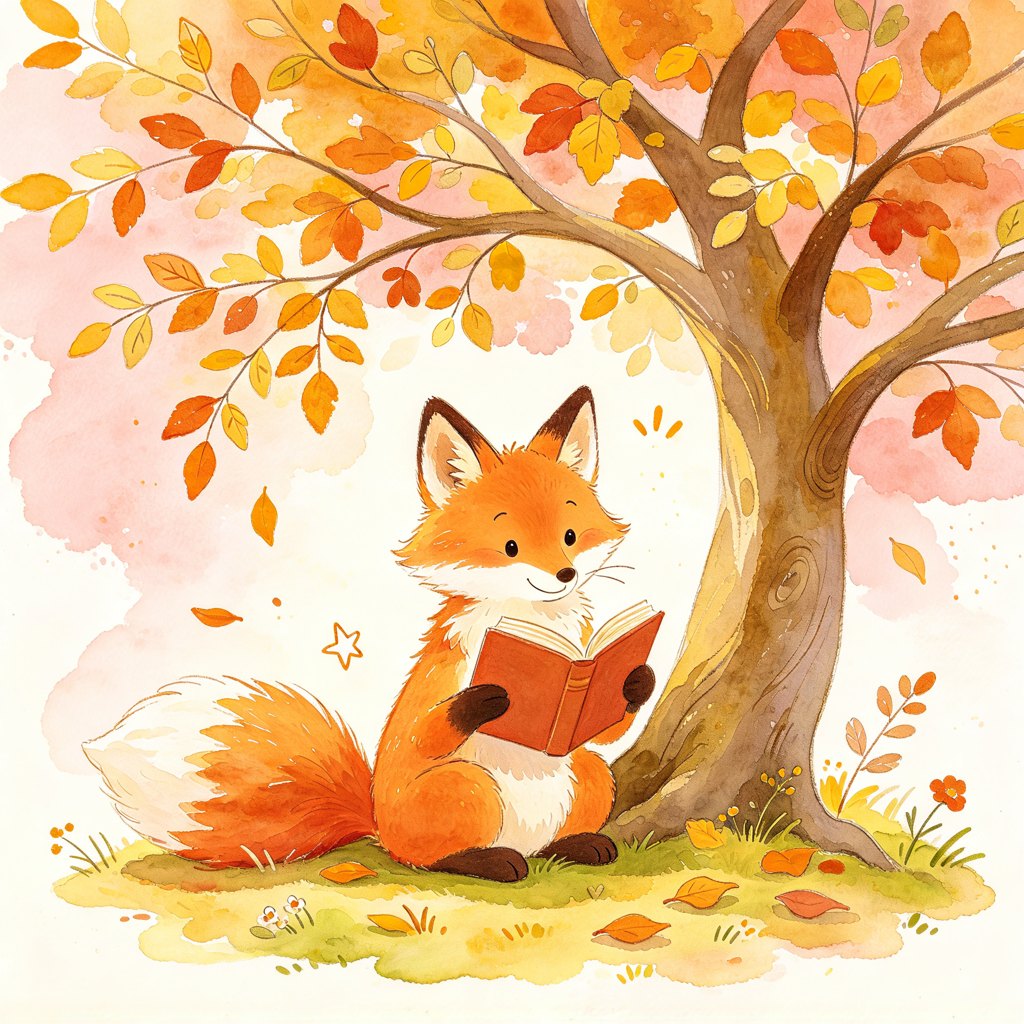
Examples: one prompt, different models
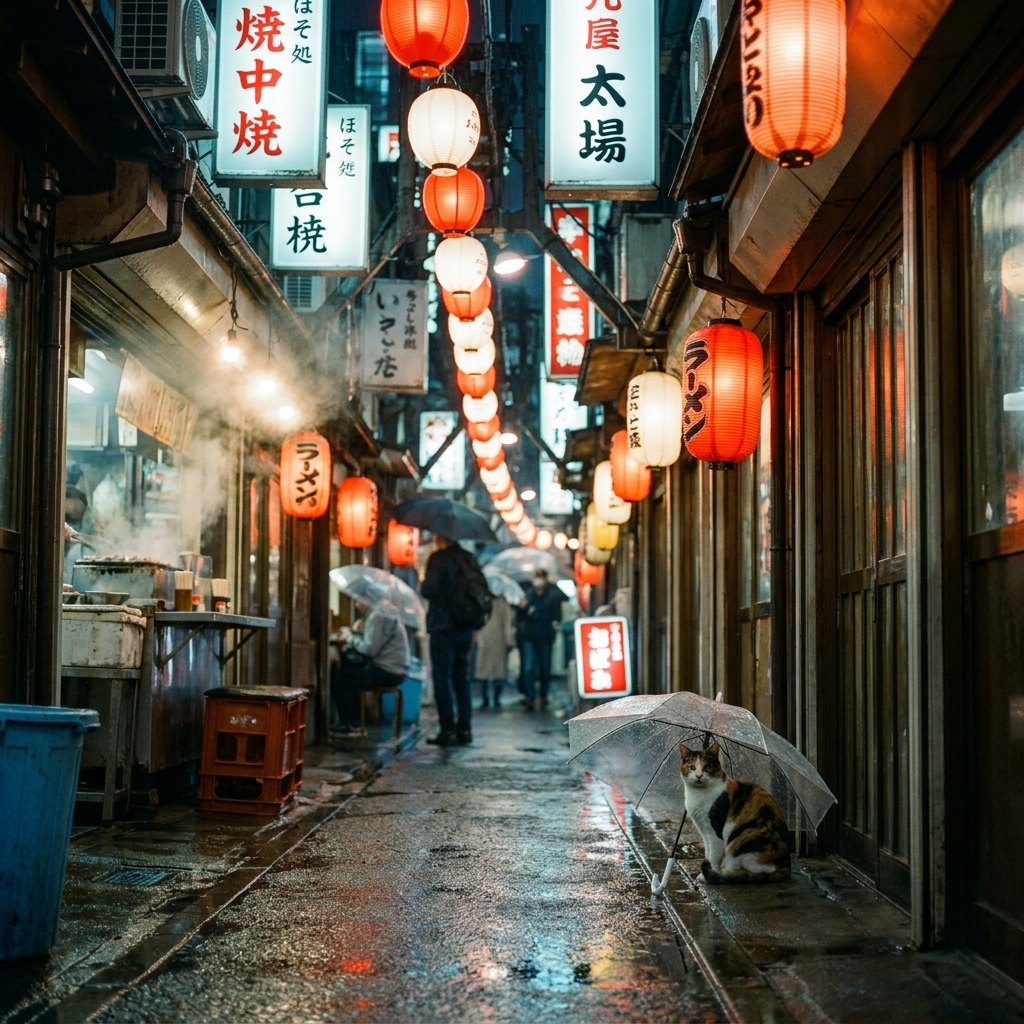
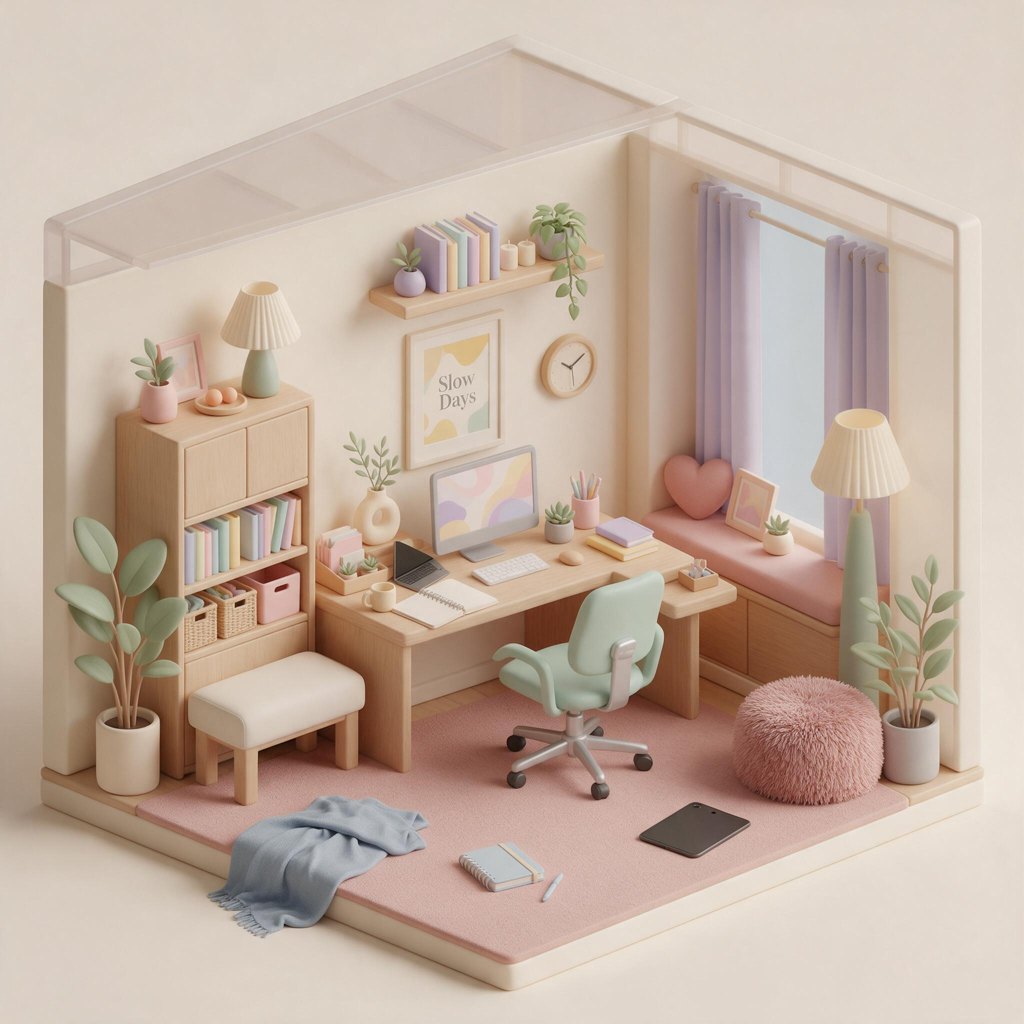
Every image below was generated on Pixmint with the prompt printed under it. We ran each prompt once per model, so these are single samples, not a benchmark. Use them to get a feel for how the models interpret the same words.
How to generate an image in three steps
- Write a promptSay what the picture shows, where it happens and how it should look. A sentence or two is enough to start; you can write up to 3,000 characters.
- Choose a model, shape and countStart with Seedream 5.0 Flash, the free model, or open the model list for Nano Banana, GPT Image and the other Seedream versions. Pick an aspect ratio (1:1, 4:3, 3:4, 16:9 or 9:16) and generate one to four images at once.
- Review, refine and downloadDownload what you like, press Regenerate for another take, or use a result as a reference image for the next run. You can also send any result to the AI image editor to change a detail.
Which model should you pick?
There is no single best model. They trade price, speed and style, and the right choice depends on the job. This is a rough guide based on the example images on this site; open a model page for its full example set.
| Model | Maker | Credits | Good starting point for |
|---|---|---|---|
| Seedream 5.0 Flash | ByteDance | 5 | Quick drafts and free experiments. |
| Seedream 4.0 | ByteDance | 8 | Bright, decorative illustrations and posters. |
| Seedream 5.0 Pro | ByteDance | 12 | Detailed scenes and bold typography. |
| GPT Image 2 | OpenAI | 15 | Clean graphic compositions and product shots. |
| GPT Image 2.5 | OpenAI | 15 | All-round work, including editing a photo. |
| Nano Banana 2 | 18 | Photographic, documentary-style scenes. | |
| Nano Banana Pro | 36 | Rich detail when a prompt is complex. |
Not sure? Generate the same prompt with the free model first. If the idea works, run it again with a stronger model for the final version. That costs a few cents instead of paying the highest price for every attempt.
The models page lists every model with prices, and the comparison pages put two models side by side, for example Nano Banana 2 vs GPT Image 2.5.
What people use an AI image generator for
Image generators are most useful when you need a visual quickly and do not have the budget or time for a photo shoot or an illustrator. Common jobs:
Social media and ads
Square, vertical and wide formats for posts, stories and banners. Generate four options, keep the best.
Product visuals
Clean studio-style product shots and lifestyle backdrops for listings, mockups and pitch decks.
Illustrations
Children's book scenes, blog headers, game concepts and icons in watercolor, flat or 3D styles.
Concept art and mood boards
Explore settings, lighting and atmosphere before committing to a direction.
Presentations and posters
Cover images and posters, including short headlines rendered as text inside the picture.
Variations of an existing image
Add up to four reference images to restyle a photo or build on a look. See image to image.
Prompt tips that actually help
- Name the subject first, then the setting: "a red fox reading under an oak tree" works better than a list of adjectives.
- Say how it is lit and shot: "soft afternoon light", "50mm photo", "studio lighting" give photographic results; "watercolor" or "clay render" gives an illustration look.
- Put exact text in quotation marks if it must appear in the image, and keep it short. Check the spelling in the result every time.
- Choose the aspect ratio before you generate. 9:16 for stories, 16:9 for banners, 1:1 for feeds and icons.
- Change one thing per attempt. If you rewrite the whole prompt each time you cannot tell what made the difference.
More detail, with before-and-after prompt rewrites, is on the text to image page.
Pricing
Every model has a fixed price per image, shown on its button before you press Generate. Seedream 5.0 Flash is the cheapest at 5 credits ($0.05).
One credit is worth about $0.01 at the planned list price. The signup bonus of 50 credits and the 20 daily credits are enough to try several of the paid models, and the photo tools cost 15 credits per run.
| Model | Maker | Credits per image | List price per image |
|---|---|---|---|
| Seedream 5.0 Flash (free tier) | ByteDance | 5 | $0.05 |
| Seedream 4.0 | ByteDance | 8 | $0.08 |
| Seedream 5.0 Pro | ByteDance | 12 | $0.12 |
| GPT Image 2 | OpenAI | 15 | $0.15 |
| GPT Image 2.5 | OpenAI | 15 | $0.15 |
| Nano Banana 2 | 18 | $0.18 | |
| Nano Banana Pro | 36 | $0.36 |
Planned paid plans (not available yet): 500 credits for $4.90, 1,100 credits for $9.90, 2,400 credits for $19.90, or a monthly plan of 1,200 credits for $9.90. Paid plans are planned but not available yet, so nothing can be bought today (see pricing).
Guests (no account) get 5 free Seedream 5.0 Flash images and 3 photo-tool uses per day. Signed-in users get 50 credits on their first sign-in plus 20 credits every day. Free outputs are up to 1024 px with a small watermark and are for personal non-commercial use.
Explore the models
AI image generator FAQ
Is this AI image generator really free?
You can try it without an account: guests get 5 free Seedream 5.0 Flash images per day. Signed-in users also get 50 credits on first sign-in and 20 daily credits to use on any model. Free images are up to 1024 px with a small watermark and for personal non-commercial use.
Which AI models does Pixmint use?
Seedream 5.0 Flash, Seedream 4.0, Seedream 5.0 Pro, GPT Image 2, GPT Image 2.5, Nano Banana 2, Nano Banana Pro. They come from Google, OpenAI and ByteDance. Pixmint is an independent service and is not affiliated with those companies.
Can I upload my own images?
Yes. Add up to four reference images (JPG, PNG or WebP, up to 20 MB each) and describe how the new image should use them. For changing one photo, the AI image editor is usually the better tool.
Can I use the images commercially?
Not today. Images made with free credits carry a watermark. Commercial use is planned to come with paid plans, which are not available yet, so today free outputs are for personal, non-commercial use only. See the terms and make sure your content does not infringe anyone else's rights.
What happens if a generation fails?
Failed images are refunded automatically and guest quota is given back. Blocked prompts are not charged.
How long are my images kept?
Guest images are deleted after 24 hours and free accounts' images after 7 days (30 days is planned for paid accounts, once they exist). Download anything you want to keep.
Start creating
Type a prompt at the top of this page and generate your first image.
Back to the generator