 Pixmint
GPT Image 2.5 vs GPT Image 2
OpenAI's GPT Image 2.5 and GPT Image 2 cost the same on Pixmint. Here is what each produced from the same six prompts, and how to choose between them.
- Free account to try
- 50 credits to start
- 7 image models
- Nano Banana · GPT Image · Seedream
GPT Image 2.5 vs GPT Image 2: the same six prompts
Both models come from OpenAI, both cost 15 credits per image and both use a real mask in the editor. Because the price is identical, the choice is purely about the result you prefer for your prompt.
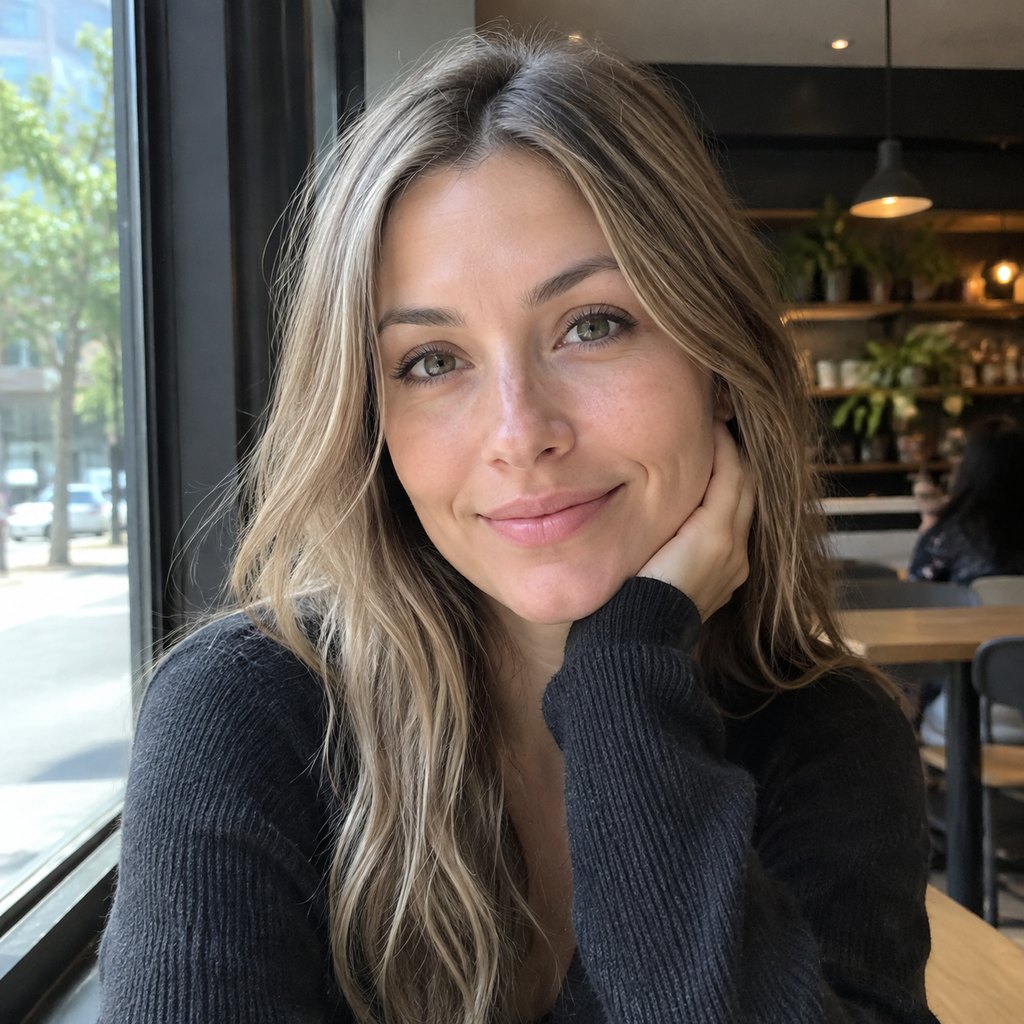
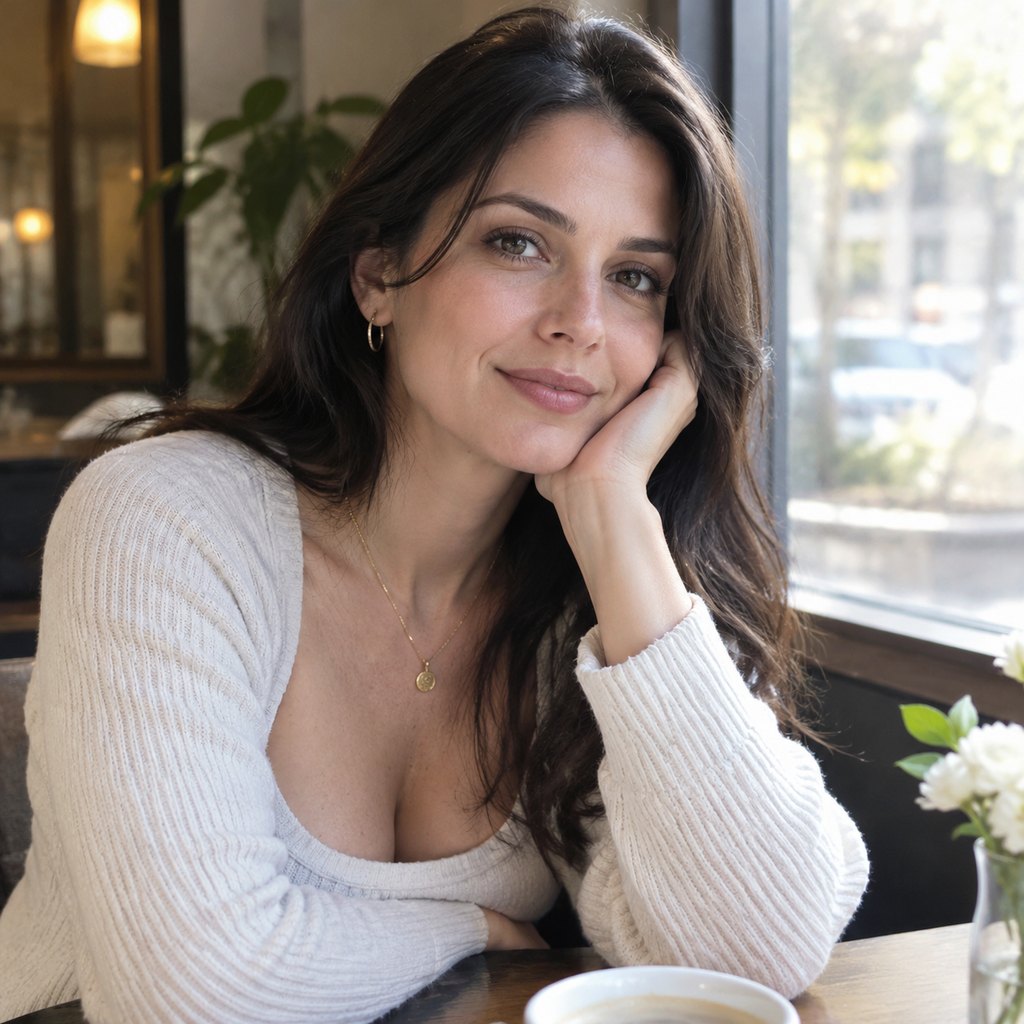
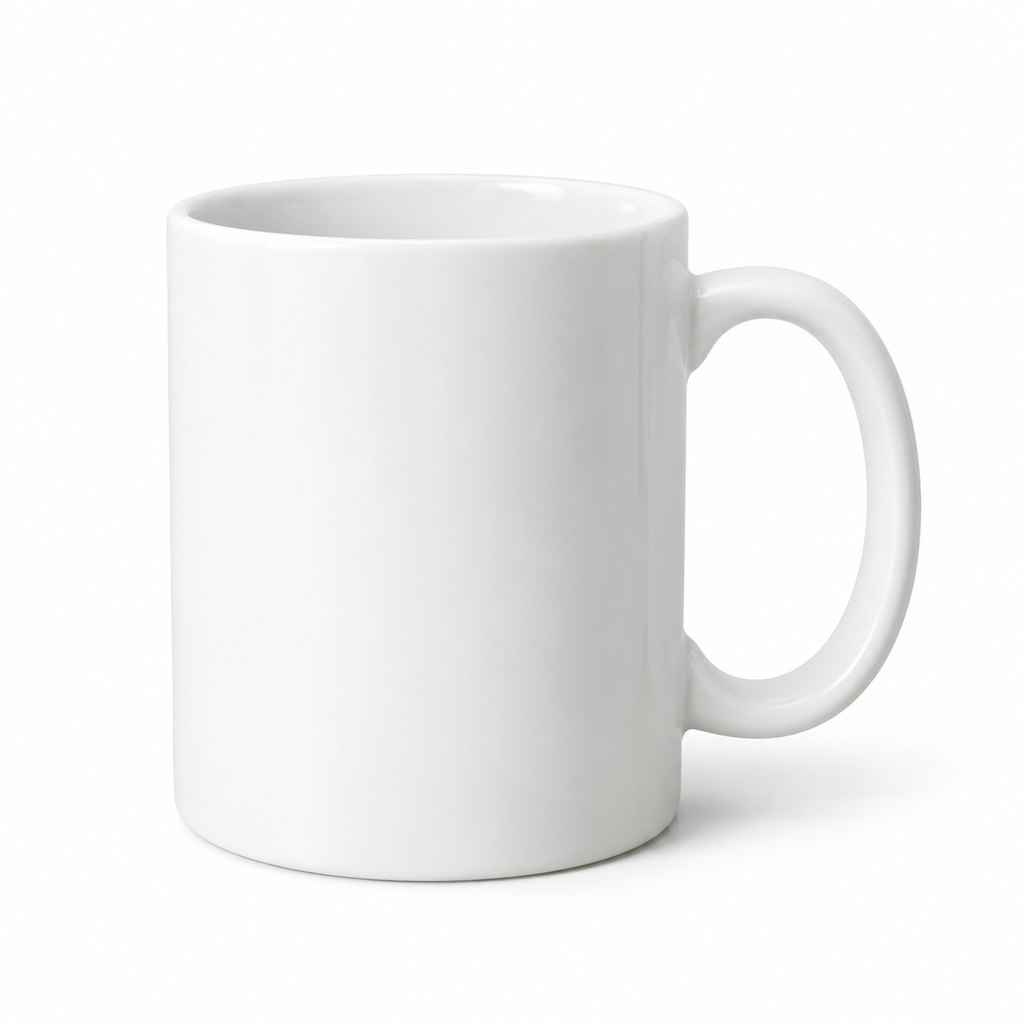
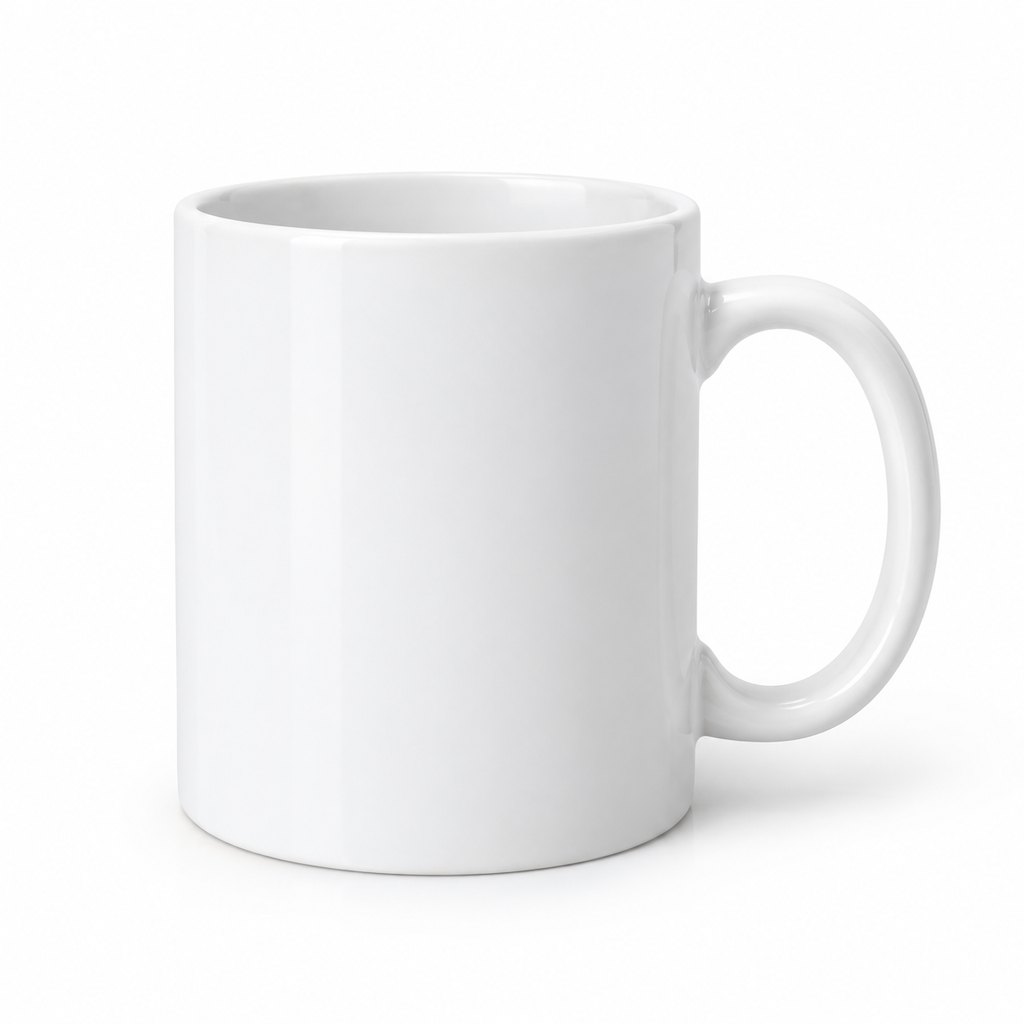
Every image was generated on Pixmint with the prompt printed above it. Each prompt was run once per model, so these are single samples and impressions, not a benchmark.
Portrait
Prompt: Natural-light portrait of a woman in her 30s by a cafe window, soft afternoon light, realistic skin texture, 50mm photo
Product photo
Prompt: E-commerce product photo of a white ceramic coffee mug on a pure white background, soft shadow, studio lighting
Poster text
Prompt: Minimal poster with the exact text "SUMMER SALE 50% OFF" in bold sans-serif on a sunny yellow background


Illustration
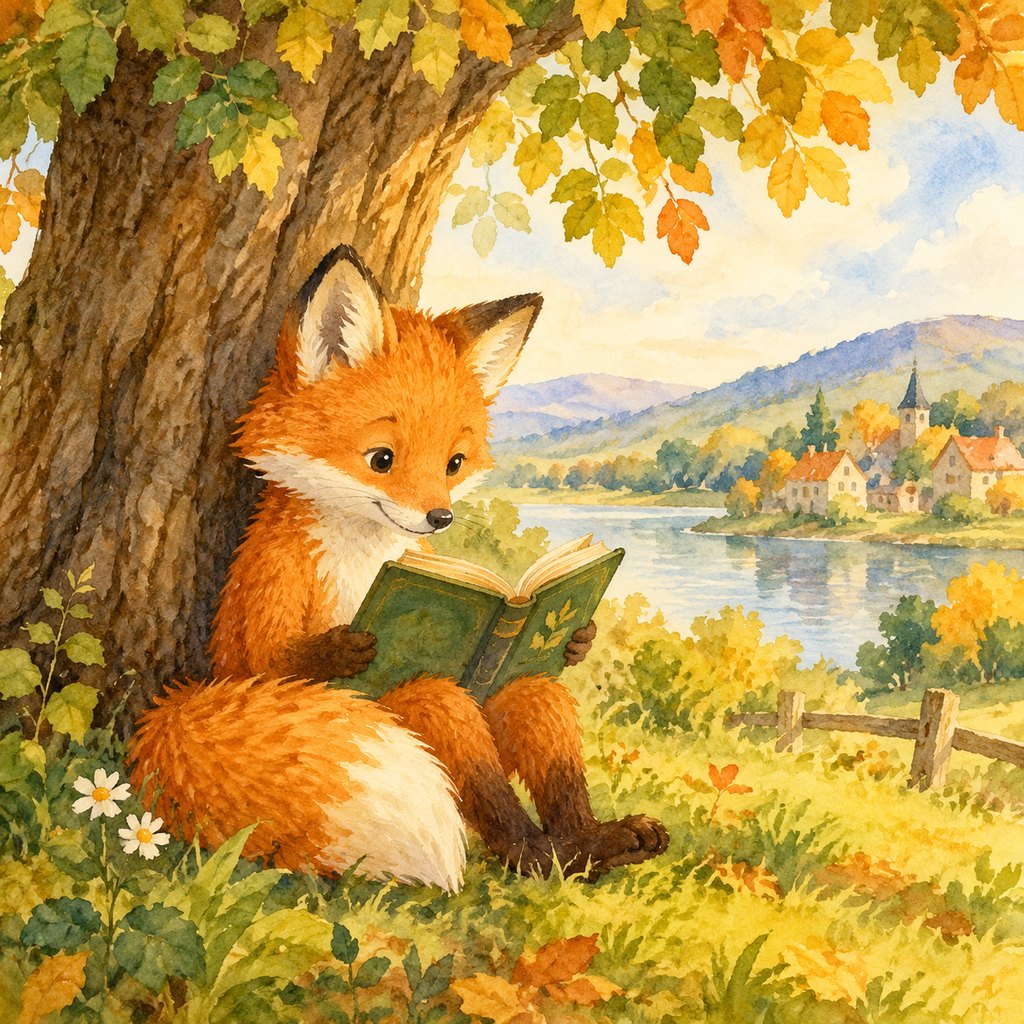
Prompt: Children's book illustration of a fox reading under a tree, watercolor, warm colors

Night scene
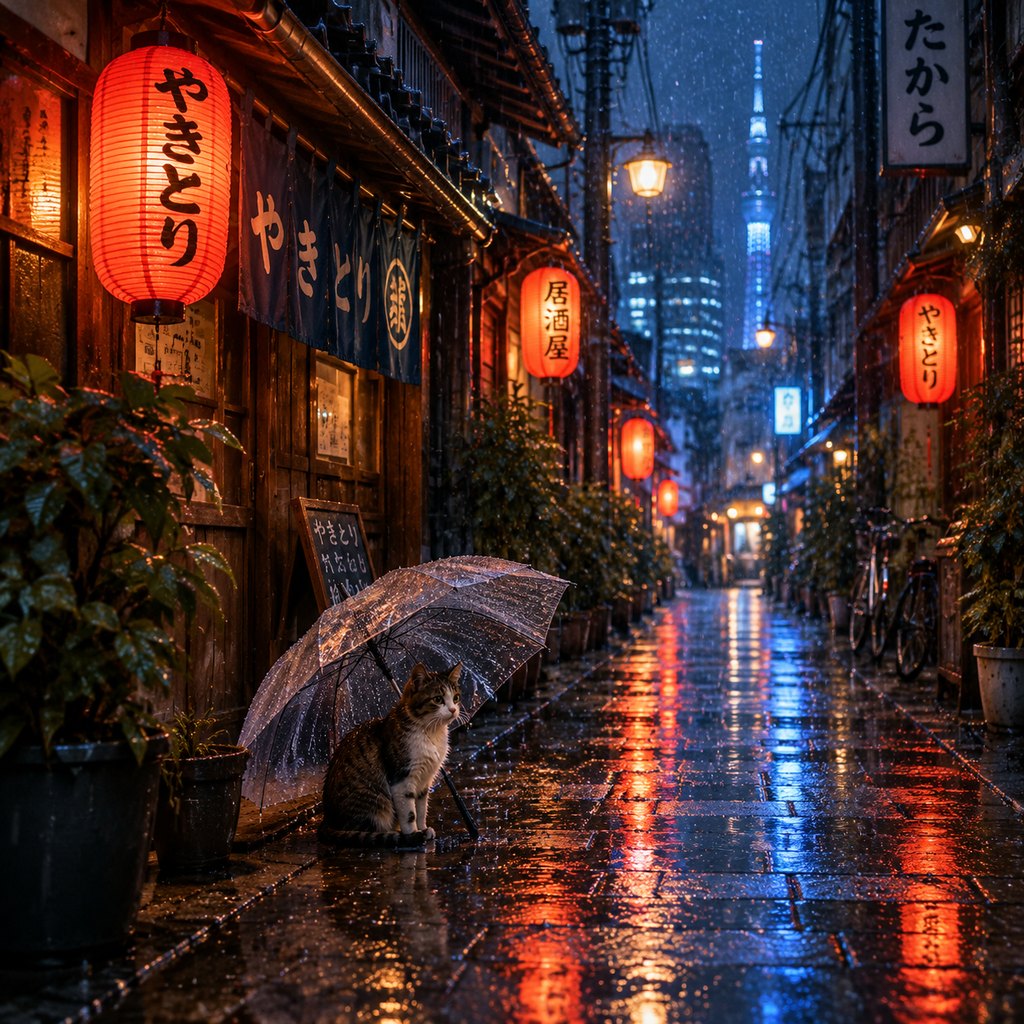
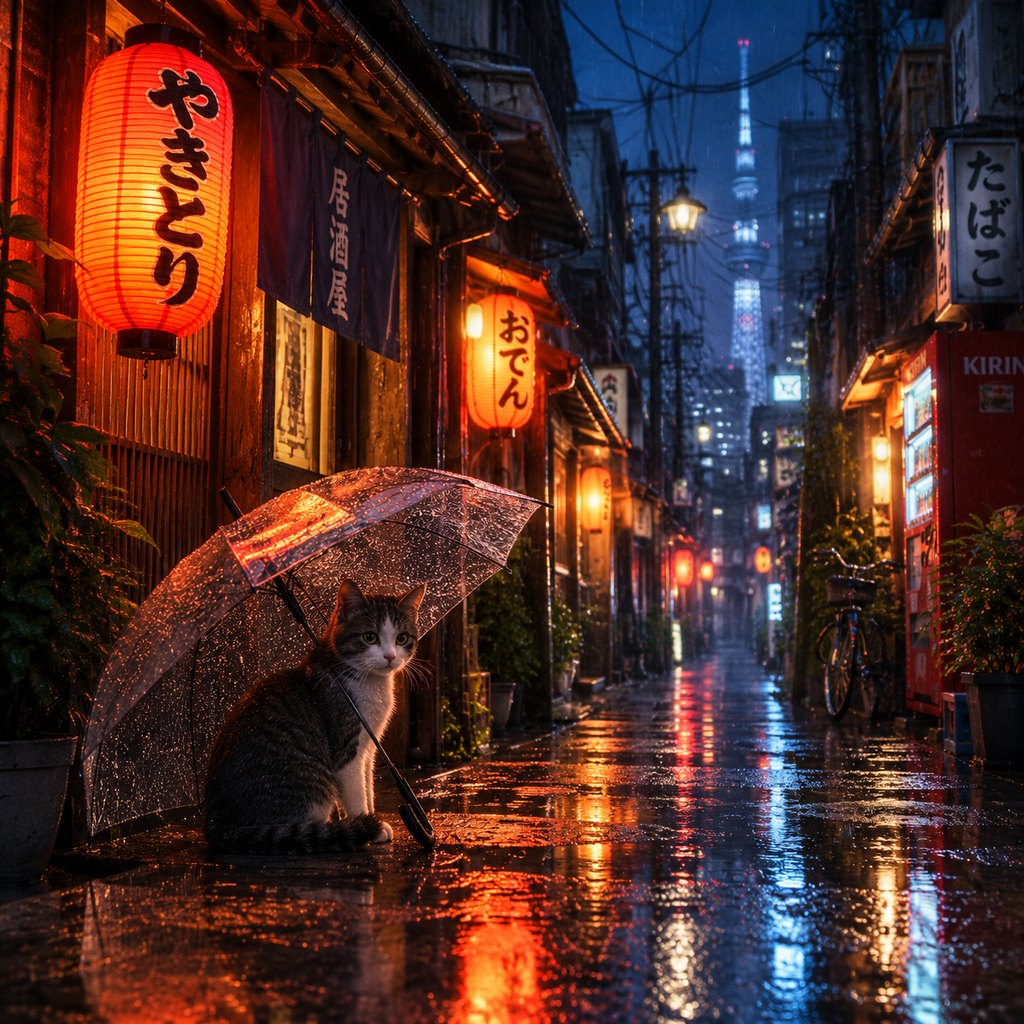
Prompt: Tokyo alley at night in the rain with lanterns and a cat under an umbrella, cinematic
3D icon
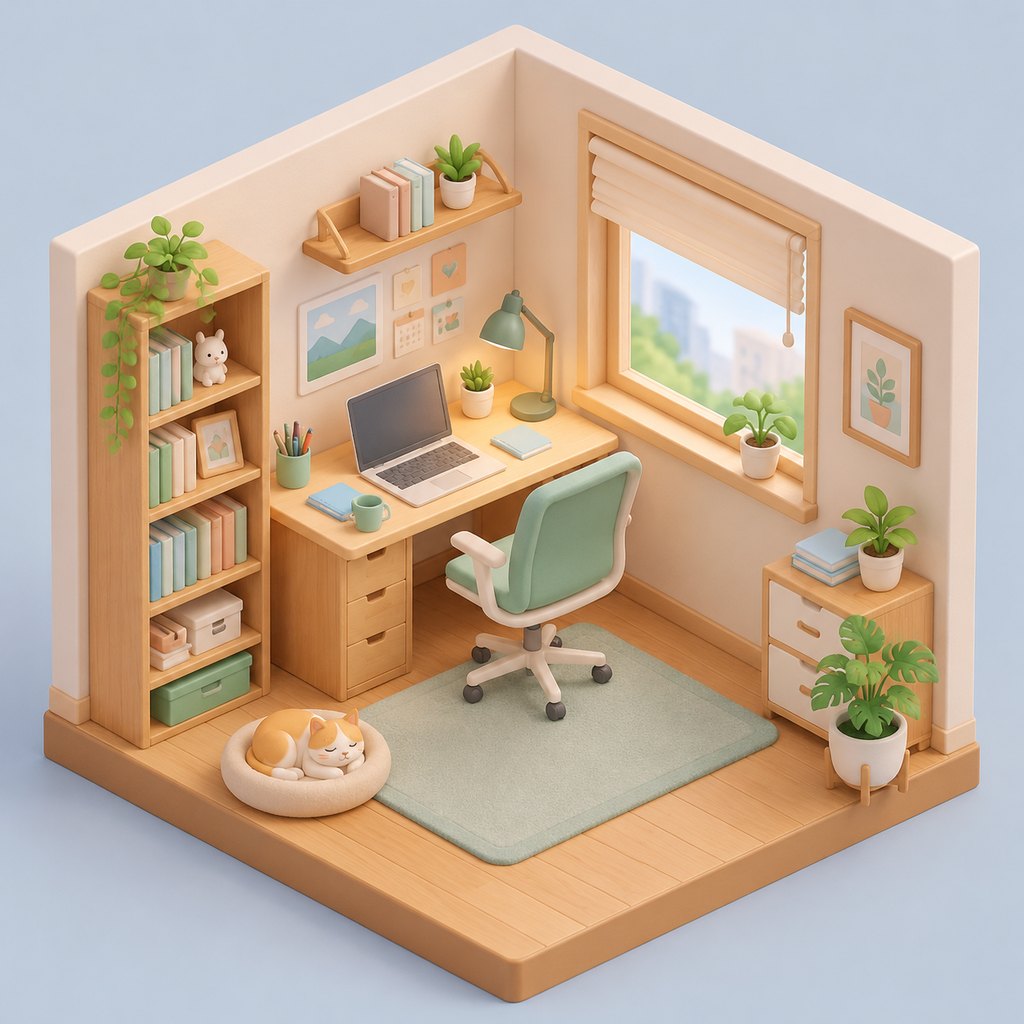
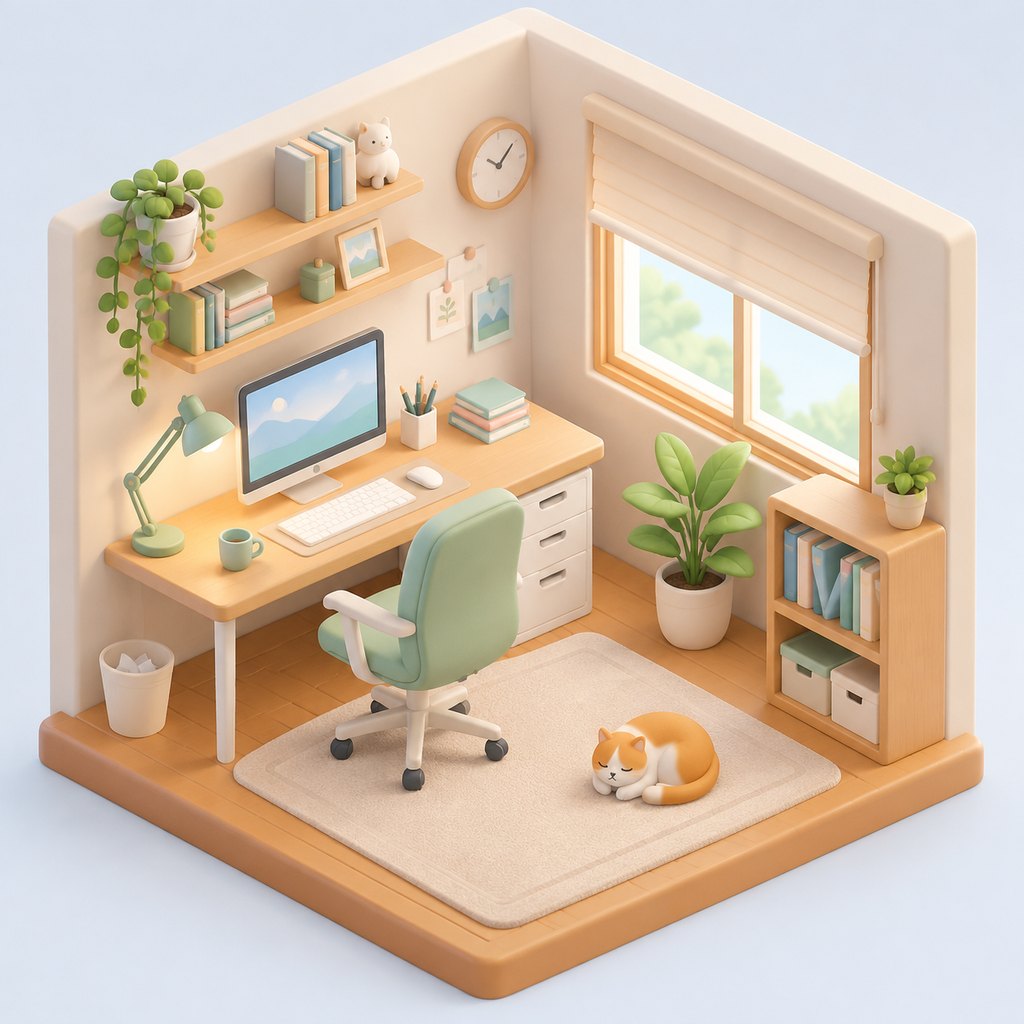
Prompt: Isometric 3D icon of a cozy home office, soft pastel colors, clay render
GPT Image 2.5 vs GPT Image 2 at a glance
| GPT Image 2.5 | GPT Image 2 | |
|---|---|---|
| Maker | OpenAI | OpenAI |
| Credits per image | 15 | 15 |
| Price of 4 images | 60 credits ($0.60) | 60 credits ($0.60) |
| Speed class | Standard | Standard |
| Reference images | Up to 4 | Up to 4 |
| AI image editor | Real transparency mask for brush edits | Real transparency mask for brush edits |
| Free on Pixmint? | Needs a free account | Needs a free account |
| Stood out in our examples | Polished all-rounder | Graphic, art-directed |
Speed class describes where each model sits in its family (Flash-class models are positioned for speed, Pro-class for quality). It is not a measured timing: actual generation time varies with the model, the image size and the load.
How these examples were made
The images above were generated on 2026-10-22, one run per model per prompt. This is a set of single samples to look at, not a benchmark. Here is exactly how they were made.
| Model | Upstream model ID called | Access path | Requested size / quality |
|---|---|---|---|
| GPT Image 2.5 | gpt-image-2.5-flare | Third-party API relay (sudocode) | 1:1, 1024 x 1024 requested, quality medium |
| GPT Image 2 | gpt-image-2 | Third-party API relay (sudocode) | 1:1, 1024 x 1024 requested, quality medium (GPT Image 2 returned 1254 px) |
- Generated on 2026-10-22 on Pixmint with the prompt printed above each image. The same prompt text was used for every model.
- One run per model per prompt, with no cherry-picking across runs.
- The images on this site are downscaled JPEG copies of the generated files.
- Limits: each image is a single sample, so it shows a tendency, not what the model does every time. GPT Image and Nano Banana requests go through a third-party relay and we cannot verify that it serves the unmodified official models. Speed and success rate were not measured, and these pages are not a benchmark.
Which should you pick: GPT Image 2.5 or GPT Image 2?
Pick GPT Image 2.5 (15 credits) if:
- You want the default that Pixmint uses for photo edits and for its shadow, object and background tools.
- You prefer the tidy, complete look of its compositions in our samples.
Pick GPT Image 2 (15 credits) if:
- You like its graphic flourishes, such as the brush-stroke badge on the poster.
- You already have prompts that you know work well on GPT Image 2 and want identical behavior.
In our samples the two look like members of one family, and the differences are matters of composition and color rather than quality. Since the price is the same, run your own prompt on both once and keep the one you like.
How to compare them on your own prompt
A reliable method takes two minutes:
- Open the tool at the top of this page, write your prompt and generate one image with GPT Image 2.5.
- Switch the model to GPT Image 2 in the model list and press Generate again with the same prompt and aspect ratio.
- Compare composition first, then fine detail, then text if any. Pick one and keep iterating on that model.
- If you are signed in, both runs together cost 30 credits. The signup bonus (50 credits) plus the first day's daily credits (20) covers 2 such comparisons.
Pricing
GPT Image 2.5 costs 15 credits per image and GPT Image 2 costs 15. A failed image is refunded automatically, so you pay only for the images you receive.
One credit is worth about $0.01 at the planned list price. The signup bonus of 50 credits and the 20 daily credits are enough to try several of the paid models, and the photo tools cost 15 credits per run.
| Model | Maker | Credits per image | List price per image |
|---|---|---|---|
| Seedream 5.0 Flash (free tier) | ByteDance | 5 | $0.05 |
| Seedream 4.0 | ByteDance | 8 | $0.08 |
| Seedream 5.0 Pro | ByteDance | 12 | $0.12 |
| GPT Image 2 | OpenAI | 15 | $0.15 |
| GPT Image 2.5 | OpenAI | 15 | $0.15 |
| Nano Banana 2 | 18 | $0.18 | |
| Nano Banana Pro | 36 | $0.36 |
Planned paid plans (not available yet): 500 credits for $4.90, 1,100 credits for $9.90, 2,400 credits for $19.90, or a monthly plan of 1,200 credits for $9.90. Paid plans are planned but not available yet, so nothing can be bought today (see pricing).
Guests (no account) get 5 free Seedream 5.0 Flash images and 3 photo-tool uses per day. Signed-in users get 50 credits on their first sign-in plus 20 credits every day. Free outputs are up to 1024 px with a small watermark and are for personal non-commercial use.
GPT Image 2.5 vs GPT Image 2 FAQ
Which is better, GPT Image 2.5 or GPT Image 2?
Neither wins every prompt. In our samples GPT Image 2.5 read as "polished all-rounder" and GPT Image 2 as "graphic, art-directed". Pick based on the look you want and your budget, or run your prompt on both.
Is GPT Image 2.5 cheaper than GPT Image 2?
No. They cost the same, 15 credits per image.
Can I use both GPT Image 2.5 and GPT Image 2 for free?
Only Seedream 5.0 Flash is open to guests. Both of these models need a free Pixmint account, which comes with 50 credits on first sign-in and 20 daily credits. Free images are up to 1024 px, watermarked and for personal non-commercial use.
Are these results a benchmark?
No. Each prompt was generated once per model on 2026-10-22. Image generation varies between runs, so these are illustrative samples. We did not measure speed or success rate and we do not publish benchmark scores. The "How these examples were made" section lists the exact model IDs, access path and settings.
How were the example images made?
With the exact upstream model IDs shown in the "How these examples were made" section: GPT Image 2.5 is gpt-image-2.5-flare and GPT Image 2 is gpt-image-2, both generated on 2026-10-22, one run per prompt, at 1:1. GPT Image and Nano Banana requests go through a third-party API relay, and we cannot verify that it serves the unmodified official models.
Can both models edit photos?
Yes, both are available in the AI image editor. Both receive the same kind of mask input.
More comparisons and models
Try both
The tool at the top starts with GPT Image 2.5. Run your prompt, then switch to GPT Image 2 and run it again.
Back to the tool