 Pixmint
Nano Banana 2 AI Image Generator
Nano Banana 2 is Google's image model, known for photographic, documentary-style scenes. Try it here and see how it handles your prompt.
- Free account to try
- 50 credits to start
- 7 image models
- Nano Banana · GPT Image · Seedream
What is Nano Banana 2?
Nano Banana is the popular name for Google's Gemini image models, and Nano Banana 2 is the lighter, lower-priced of the two Nano Banana models on Pixmint. It costs 18 credits per image, a little more than GPT Image (15) and half the price of Nano Banana Pro (36). It generates from text, accepts up to four reference images and works in the AI image editor.
For edits, Nano Banana models receive your photo with the area marked in red and an instruction to change only that area; Pixmint then composites the result onto your original, so pixels outside your brush come from your original (the edge is blended).
Nano Banana 2 also plays a special role in the shadow remover: the document scene runs on it for signed-in users, because in our own tests with photos of documents it kept printed text faithful where some other models invented characters.
Nano Banana 2 examples
These six images were generated with Nano Banana 2 on Pixmint. The exact prompt is printed under each one, and you can copy any of them into the tool above. Each prompt was run once, so treat the notes as impressions from a single sample, not as a benchmark.

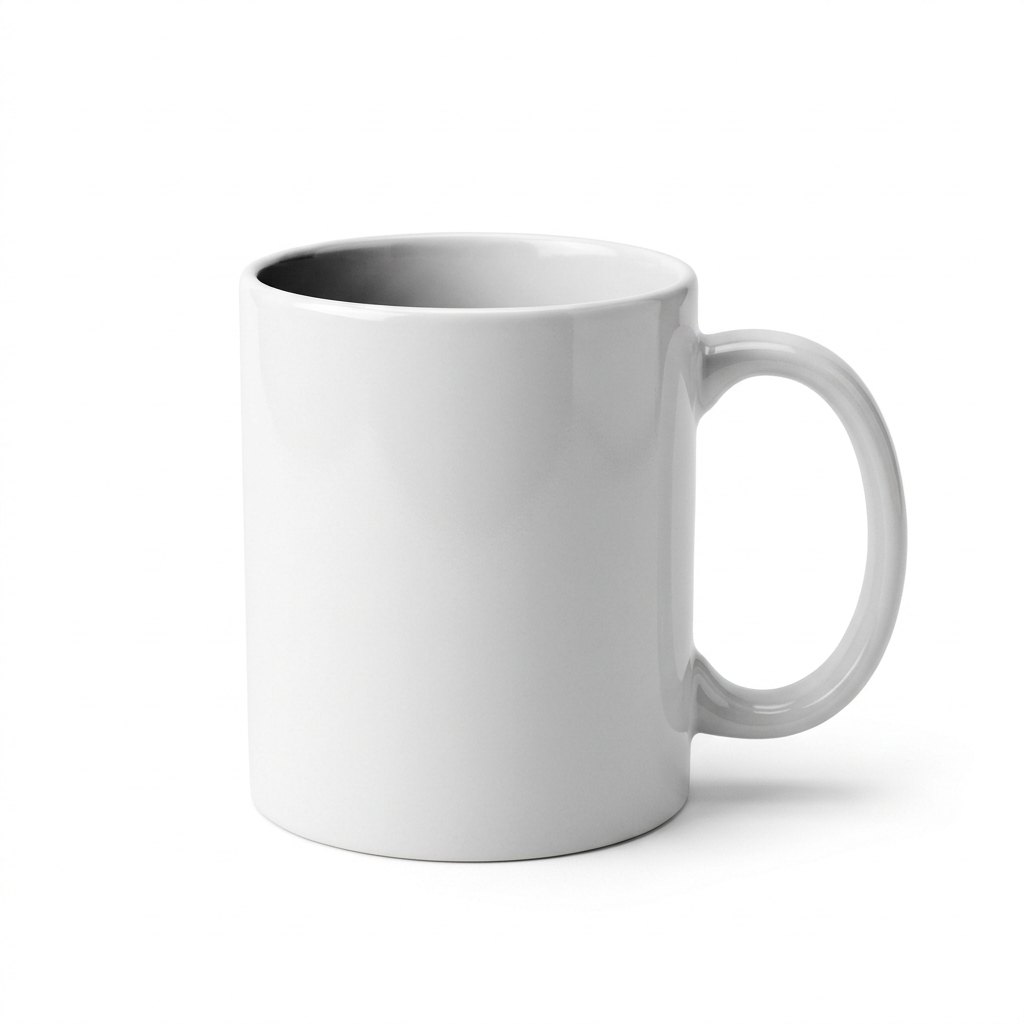
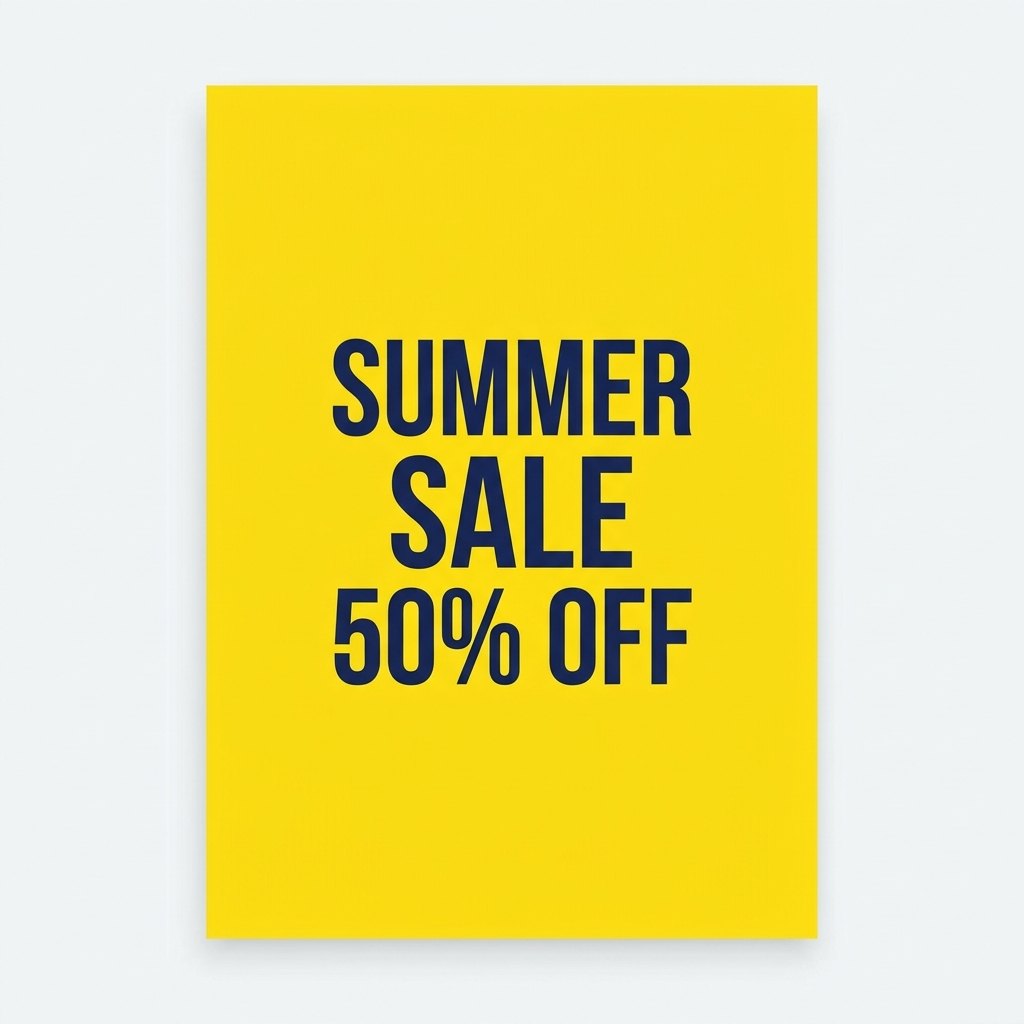

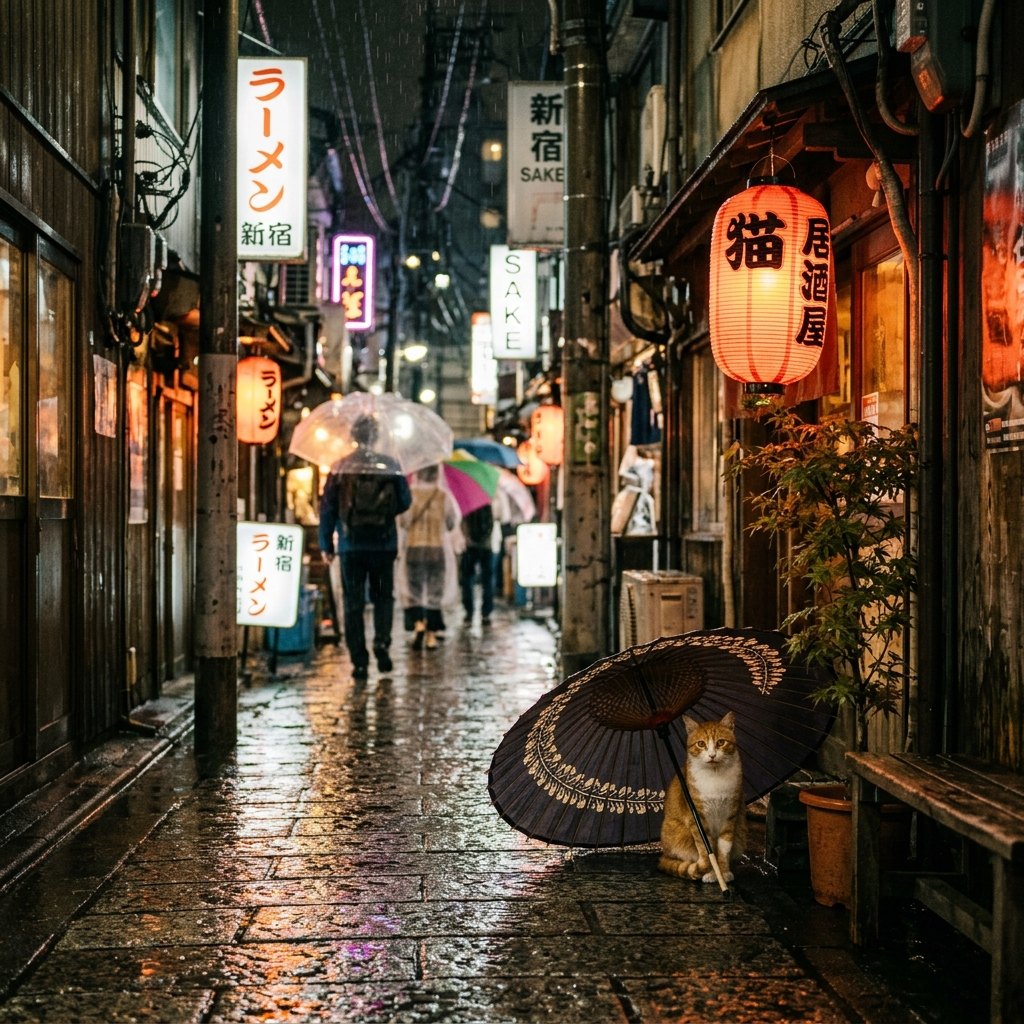

How these examples were made
| Model | Upstream model ID called | Access path | Requested size / quality |
|---|---|---|---|
| Nano Banana 2 | gemini-3.1-flash-image | Third-party API relay (sudocode) | 1:1, 1K (1024 x 1024 requested) |
- Generated on 2026-10-22 on Pixmint with the prompt printed above each image. The same prompt text was used for every model.
- One run per model per prompt, with no cherry-picking across runs.
- The images on this site are downscaled JPEG copies of the generated files.
- Limits: each image is a single sample, so it shows a tendency, not what the model does every time. GPT Image and Nano Banana requests go through a third-party relay and we cannot verify that it serves the unmodified official models. Speed and success rate were not measured, and these pages are not a benchmark.
How to use Nano Banana 2 on Pixmint
- Check the modelNano Banana 2 is preselected in the tool at the top of this page. You can switch to any other live model in the list.
- Write a prompt or add referencesDescribe the image, or add up to four reference images. Choose the aspect ratio (1:1, 4:3, 3:4, 16:9 or 9:16) and one to four images.
- Generate and downloadPress Generate. The price (18 credits per image) is shown on the button first. Download your favorites, regenerate, or send a result to the AI image editor.
Nano Banana 2 strengths and best use cases
- Photographic, documentary feel. Scenes look like pictures taken by a person, with context, passers-by and signage.
- Faithful text. In our document tests it kept printed characters intact, which is why the shadow remover uses it for that scene.
- Interprets the medium. It treated the poster prompt as a physical poster, which is useful for mockups.
- Storybook illustrations with narrative detail. The fox sits on a picnic blanket with a cottage behind.
Photoreal scenes and street imagery
Candid, in-the-world pictures.
Documents and text-heavy photos
Edits that must preserve printed words.
Mockups
Posters, cards and packaging shown as objects.
Narrative illustrations
Storybook scenes with background story.
Photo edits that keep faithful detail
Backgrounds, objects and lighting.
Things to know about Nano Banana 2
- Our isometric icon sample came out blurry and soft; for crisp 3D icons, compare other models or retry.
- It may decide on a different framing from what you pictured; specify "close-up", "full-frame" or "flat design" when it matters.
- At 18 credits it costs more than GPT Image; use it where its photographic style pays off.
How Nano Banana 2 compares to other Pixmint models
Against GPT Image 2.5 (15 credits), Nano Banana 2 looks more documentary and GPT Image 2.5 more designed and graphic. See the side-by-side Nano Banana 2 vs GPT Image 2.5 page.
Against Nano Banana Pro, which costs twice as much, Nano Banana 2 is the lower-priced option for everyday work. Against Seedream 5.0 Pro it is more photographic where Seedream is more cinematic.
The comparisons here are qualitative and based on the example images on this site. Image generation varies from run to run, so run your own prompt on two models before you commit. The models page lists every model with its price.
Nano Banana 2 pricing
Nano Banana 2 costs 18 credits ($0.18) per image. Four images in one go cost 72 credits ($0.72). Failed images are refunded automatically, so you only pay for images you receive.
One credit is worth about $0.01 at the planned list price. The signup bonus of 50 credits and the 20 daily credits are enough to try several of the paid models, and the photo tools cost 15 credits per run.
| Model | Maker | Credits per image | List price per image |
|---|---|---|---|
| Seedream 5.0 Flash (free tier) | ByteDance | 5 | $0.05 |
| Seedream 4.0 | ByteDance | 8 | $0.08 |
| Seedream 5.0 Pro | ByteDance | 12 | $0.12 |
| GPT Image 2 | OpenAI | 15 | $0.15 |
| GPT Image 2.5 | OpenAI | 15 | $0.15 |
| Nano Banana 2 (this page) | 18 | $0.18 | |
| Nano Banana Pro | 36 | $0.36 |
Planned paid plans (not available yet): 500 credits for $4.90, 1,100 credits for $9.90, 2,400 credits for $19.90, or a monthly plan of 1,200 credits for $9.90. Paid plans are planned but not available yet, so nothing can be bought today (see pricing). If the largest planned pack (2,400 credits) goes on sale, it would cover roughly 133 Nano Banana 2 images.
Guests (no account) get 5 free Seedream 5.0 Flash images and 3 photo-tool uses per day. Signed-in users get 50 credits on their first sign-in plus 20 credits every day. Free outputs are up to 1024 px with a small watermark and are for personal non-commercial use.
Nano Banana 2 FAQ
What is Nano Banana 2?
Nano Banana 2 is an image model from Google (the Nano Banana family, built on Gemini). It is the lower-priced of the two Nano Banana models on Pixmint and stands out for photographic, documentary scenes.
How do I use Nano Banana 2?
Type a prompt in the tool at the top of this page, where Nano Banana 2 is already selected. Choose an aspect ratio and how many images you want, then press Generate. You will be asked to sign in (free) because only Seedream 5.0 Flash is open to guests.
Is Nano Banana 2 free on Pixmint?
Only Seedream 5.0 Flash is free for guests, so Nano Banana 2 needs a free Pixmint account. It costs 18 credits per image. New accounts get 50 credits on first sign-in plus 20 daily credits, which on the first day is enough for about 3 Nano Banana 2 images at no cost. Free images are up to 1024 px, carry a small watermark and are for personal non-commercial use.
Can I use Nano Banana 2 images commercially?
Not today. Images made with free credits carry a watermark. Commercial use is planned to come with paid plans, which are not available yet, so today free outputs are for personal, non-commercial use only. See our terms. You are responsible for making sure your prompt and any reference images do not infringe anyone else's rights.
Why does the shadow remover use Nano Banana 2 for documents?
In our own tests on photos of documents, Nano Banana 2 kept the printed text faithful while some other models sometimes changed characters under shadows. See removing shadows from documents.
Is Pixmint affiliated with Google?
No. Pixmint is an independent service that gives access to image models from Google and other providers. Model names belong to their owners.
Try other models
Generate with Nano Banana 2
Edit the example prompt at the top of the page or write your own, then press Generate with Nano Banana 2.
Go to the Nano Banana 2 tool