 Pixmint
GPT Image 2.5 AI Image Generator
GPT Image 2.5 is OpenAI's newer image model and the default editing model on Pixmint. Generate with it here and see how it handles different kinds of prompts.
- Free account to try
- 50 credits to start
- 7 image models
- Nano Banana · GPT Image · Seedream
What is GPT Image 2.5?
GPT Image 2.5 is the newer of the two OpenAI image models on Pixmint. It costs 15 credits per image, the same as GPT Image 2. It is also the model Pixmint chooses by default for photo edits and for the shadow, object and background tools when you are signed in, because in our testing it was the best all-round editor.
It generates from text, accepts up to four reference images and works in the AI image editor with a real transparency mask when you paint an area. In Pixmint's setup it returns images of up to 1536 px on the long side; free-credit images are limited to 1024 px with a small watermark.
In our examples GPT Image 2.5 shares the family look of GPT Image 2: clean, complete, art-directed compositions, bold typography and well-framed subjects. Its night scene and illustrations are tidy and readable at a glance.
GPT Image 2.5 examples
These six images were generated with GPT Image 2.5 on Pixmint. The exact prompt is printed under each one, and you can copy any of them into the tool above. Each prompt was run once, so treat the notes as impressions from a single sample, not as a benchmark.

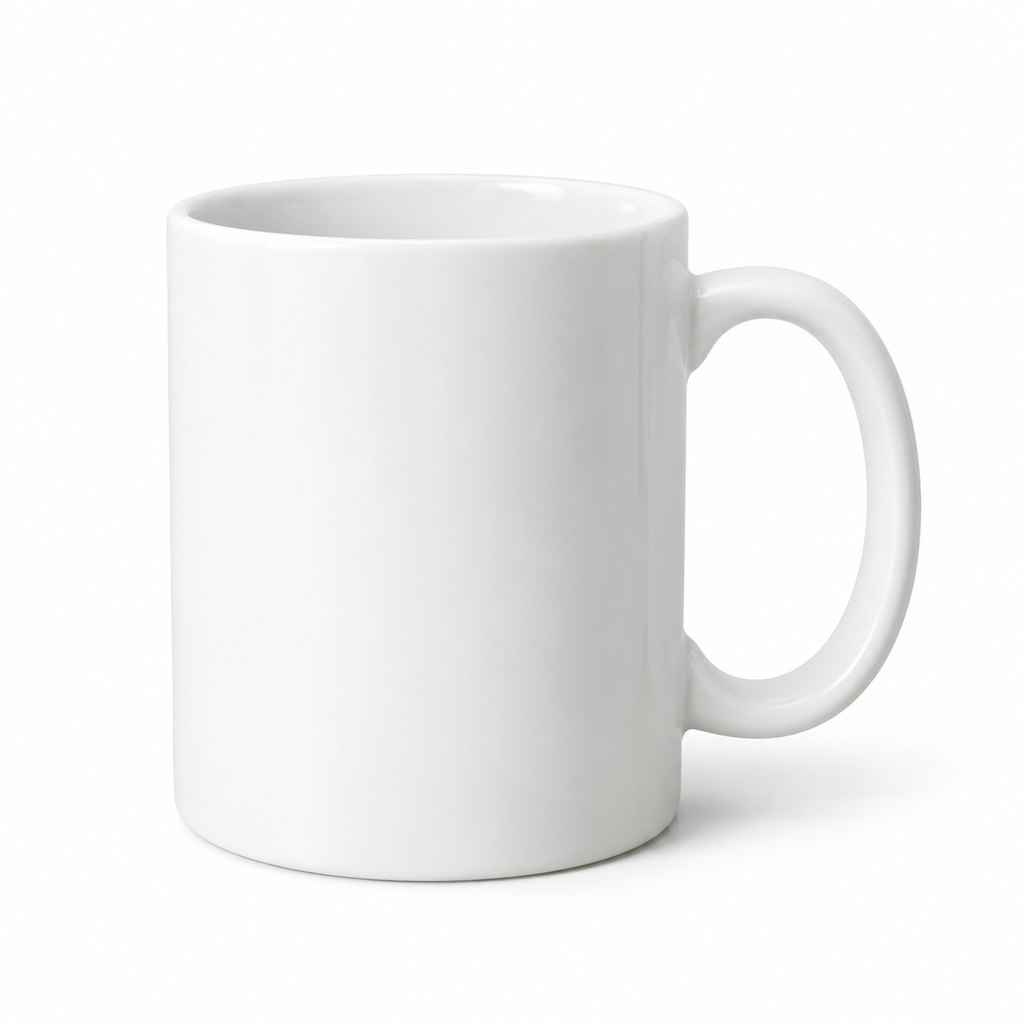

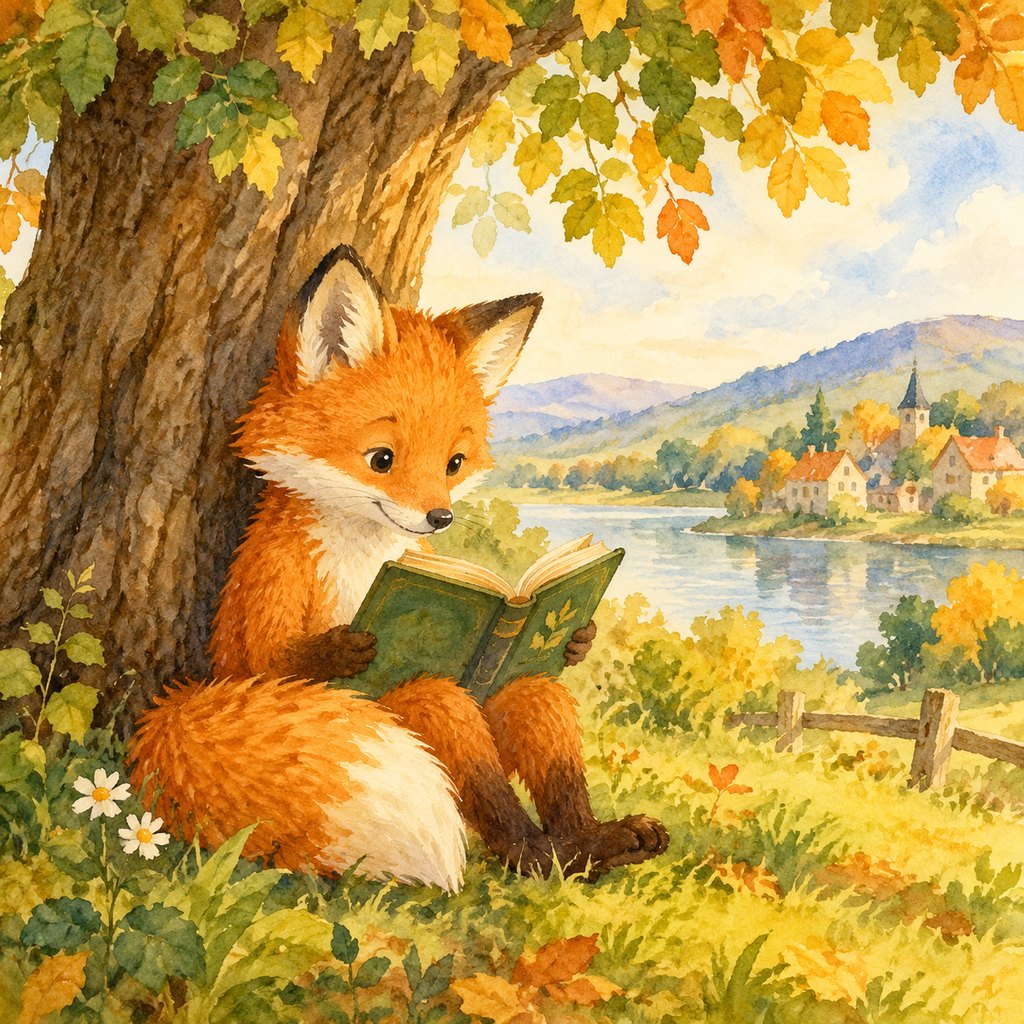
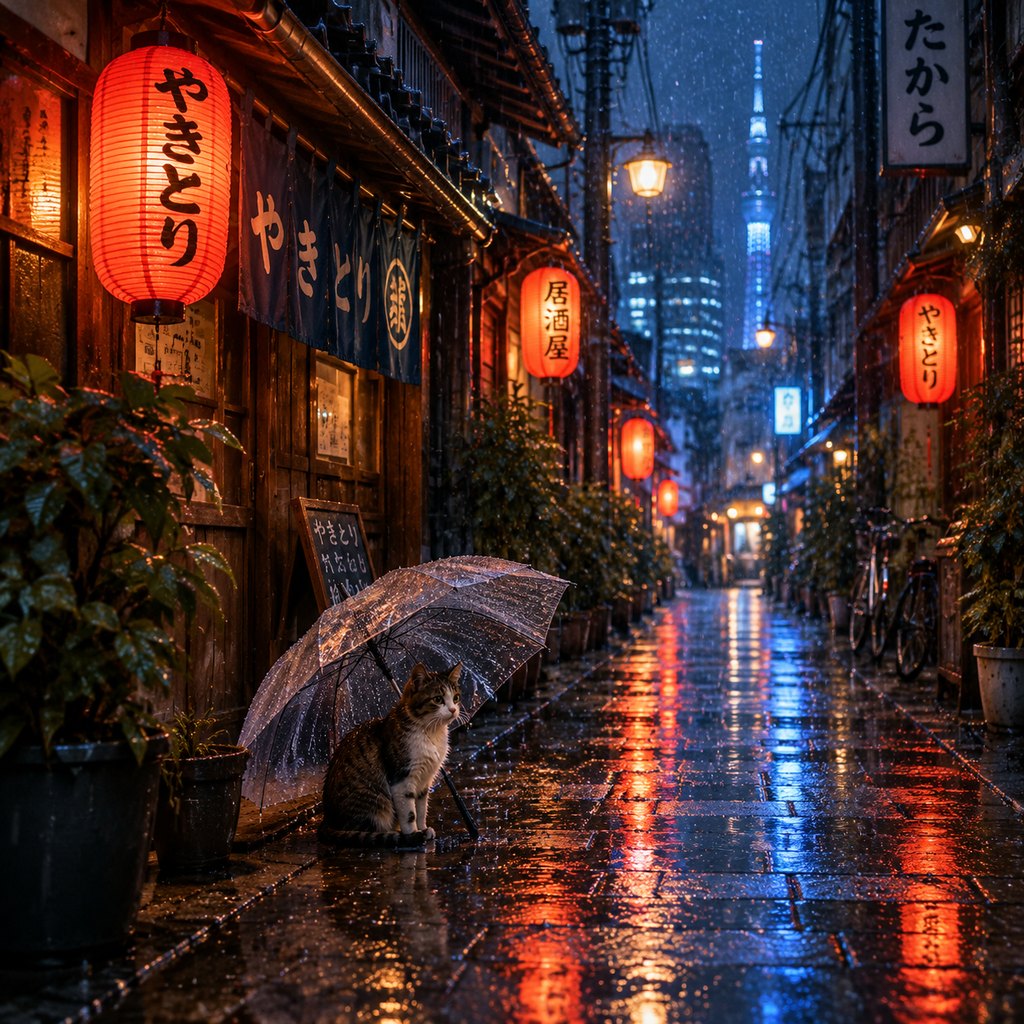
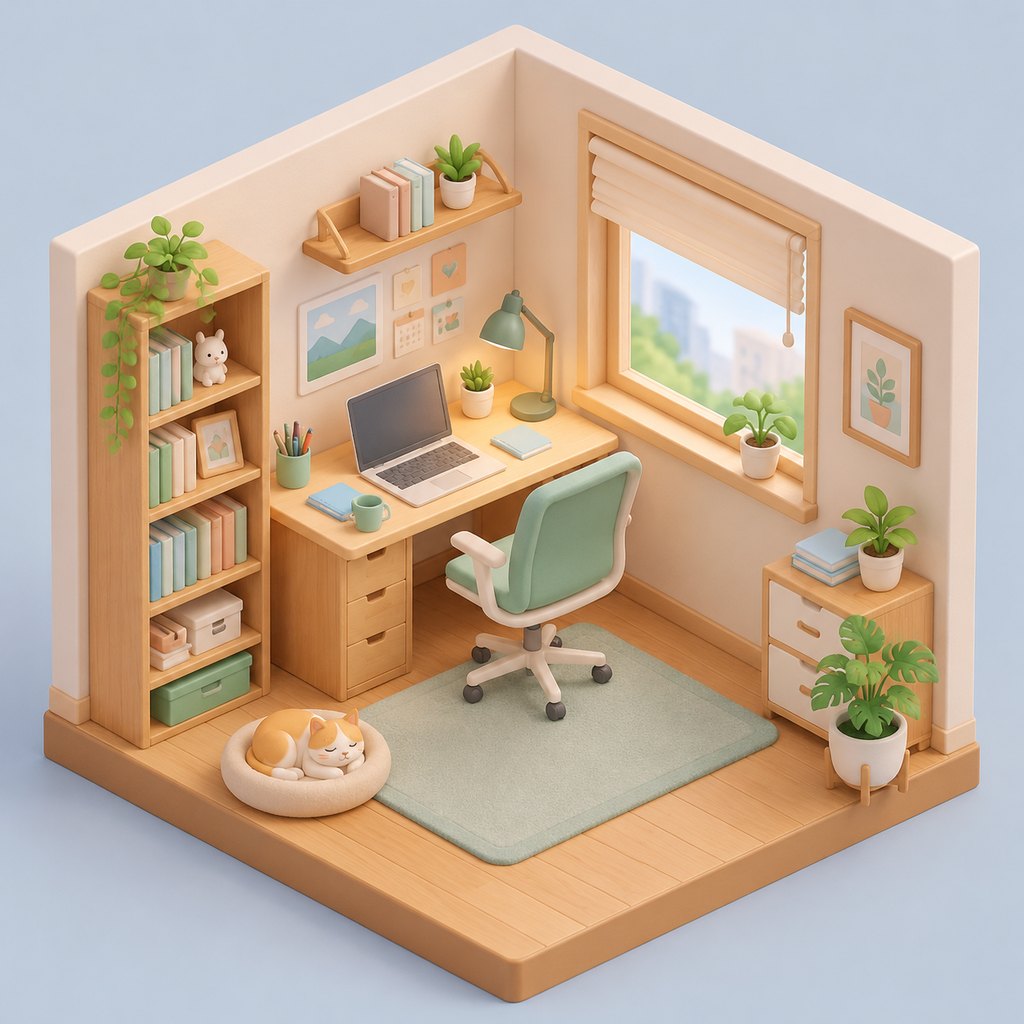
How these examples were made
| Model | Upstream model ID called | Access path | Requested size / quality |
|---|---|---|---|
| GPT Image 2.5 | gpt-image-2.5-flare | Third-party API relay (sudocode) | 1:1, 1024 x 1024 requested, quality medium |
- Generated on 2026-10-22 on Pixmint with the prompt printed above each image. The same prompt text was used for every model.
- One run per model per prompt, with no cherry-picking across runs.
- The images on this site are downscaled JPEG copies of the generated files.
- Limits: each image is a single sample, so it shows a tendency, not what the model does every time. GPT Image and Nano Banana requests go through a third-party relay and we cannot verify that it serves the unmodified official models. Speed and success rate were not measured, and these pages are not a benchmark.
How to use GPT Image 2.5 on Pixmint
- Check the modelGPT Image 2.5 is preselected in the tool at the top of this page. You can switch to any other live model in the list.
- Write a prompt or add referencesDescribe the image, or add up to four reference images. Choose the aspect ratio (1:1, 4:3, 3:4, 16:9 or 9:16) and one to four images.
- Generate and downloadPress Generate. The price (15 credits per image) is shown on the button first. Download your favorites, regenerate, or send a result to the AI image editor.
GPT Image 2.5 strengths and best use cases
- Dependable all-rounder. Posters, products, portraits, illustrations and scenes all came back finished and well framed.
- Best default for editing. It is the model behind Pixmint's photo tools for signed-in users, and the default in the editor.
- Clear text and layouts. The poster headline and banner were crisp and correct.
- Consistent composition. Subjects are well placed, which saves cropping and re-prompting.
Editing photos
Background changes, object removal and relighting with a brush.
Posters and ads
Bold, designed layouts with readable text.
Product and e-commerce imagery
Large, clean subjects.
Illustrations with a clear subject
Storybook and sticker-style imagery.
A safe first choice
When you want a good result without trying every model.
Things to know about GPT Image 2.5
- When you are editing documents, the shadow remover routes to Nano Banana 2, because in our own tests GPT models sometimes altered text under shadows.
- At 15 credits it is not the cheapest; draft on the free model first if you are exploring.
- Single samples; your prompt may behave differently.
How GPT Image 2.5 compares to other Pixmint models
Against GPT Image 2, same price, newer generation: the two look related, and the GPT Image 2.5 vs GPT Image 2 page shows all six example prompts side by side so you can judge for yourself.
Against Nano Banana 2, which costs 18 credits, GPT Image 2.5 looks more designed and Nano Banana 2 more documentary and photographic. Our Nano Banana 2 vs GPT Image 2.5 page compares them directly. Against the Seedream models it is the more polished and graphic option.
The comparisons here are qualitative and based on the example images on this site. Image generation varies from run to run, so run your own prompt on two models before you commit. The models page lists every model with its price.
GPT Image 2.5 pricing
GPT Image 2.5 costs 15 credits ($0.15) per image. Four images in one go cost 60 credits ($0.60). Failed images are refunded automatically, so you only pay for images you receive.
One credit is worth about $0.01 at the planned list price. The signup bonus of 50 credits and the 20 daily credits are enough to try several of the paid models, and the photo tools cost 15 credits per run.
| Model | Maker | Credits per image | List price per image |
|---|---|---|---|
| Seedream 5.0 Flash (free tier) | ByteDance | 5 | $0.05 |
| Seedream 4.0 | ByteDance | 8 | $0.08 |
| Seedream 5.0 Pro | ByteDance | 12 | $0.12 |
| GPT Image 2 | OpenAI | 15 | $0.15 |
| GPT Image 2.5 (this page) | OpenAI | 15 | $0.15 |
| Nano Banana 2 | 18 | $0.18 | |
| Nano Banana Pro | 36 | $0.36 |
Planned paid plans (not available yet): 500 credits for $4.90, 1,100 credits for $9.90, 2,400 credits for $19.90, or a monthly plan of 1,200 credits for $9.90. Paid plans are planned but not available yet, so nothing can be bought today (see pricing). If the largest planned pack (2,400 credits) goes on sale, it would cover roughly 160 GPT Image 2.5 images.
Guests (no account) get 5 free Seedream 5.0 Flash images and 3 photo-tool uses per day. Signed-in users get 50 credits on their first sign-in plus 20 credits every day. Free outputs are up to 1024 px with a small watermark and are for personal non-commercial use.
GPT Image 2.5 FAQ
What is GPT Image 2.5?
GPT Image 2.5 is OpenAI's newer image model and the default editing model on Pixmint, an all-rounder for generation and photo edits.
How do I use GPT Image 2.5?
Type a prompt in the tool at the top of this page, where GPT Image 2.5 is already selected. Choose an aspect ratio and how many images you want, then press Generate. You will be asked to sign in (free) because only Seedream 5.0 Flash is open to guests.
Is GPT Image 2.5 free on Pixmint?
Only Seedream 5.0 Flash is free for guests, so GPT Image 2.5 needs a free Pixmint account. It costs 15 credits per image. New accounts get 50 credits on first sign-in plus 20 daily credits, which on the first day is enough for about 4 GPT Image 2.5 images at no cost. Free images are up to 1024 px, carry a small watermark and are for personal non-commercial use.
Can I use GPT Image 2.5 images commercially?
Not today. Images made with free credits carry a watermark. Commercial use is planned to come with paid plans, which are not available yet, so today free outputs are for personal, non-commercial use only. See our terms. You are responsible for making sure your prompt and any reference images do not infringe anyone else's rights.
Why is GPT Image 2.5 the default editing model?
In our testing it was the best all-round model for photo edits. Pixmint uses it for the shadow, object and background tools for signed-in users, except for document photos, which run on Nano Banana 2 to keep text faithful.
Is Pixmint affiliated with OpenAI?
No. Pixmint is an independent service that gives access to image models from OpenAI and other providers. Model names belong to their owners.
Try other models
Generate with GPT Image 2.5
Edit the example prompt at the top of the page or write your own, then press Generate with GPT Image 2.5.
Go to the GPT Image 2.5 tool